An org chart of the account
See who reports to whom, with decision-makers marked. Drag a card to fix the chart, or add a person yourself.
Turn a list of names into an org chart of the account, or let PitchWhip find the people for you. Mark the decision-makers, keep notes, and find companies like the ones you already work.

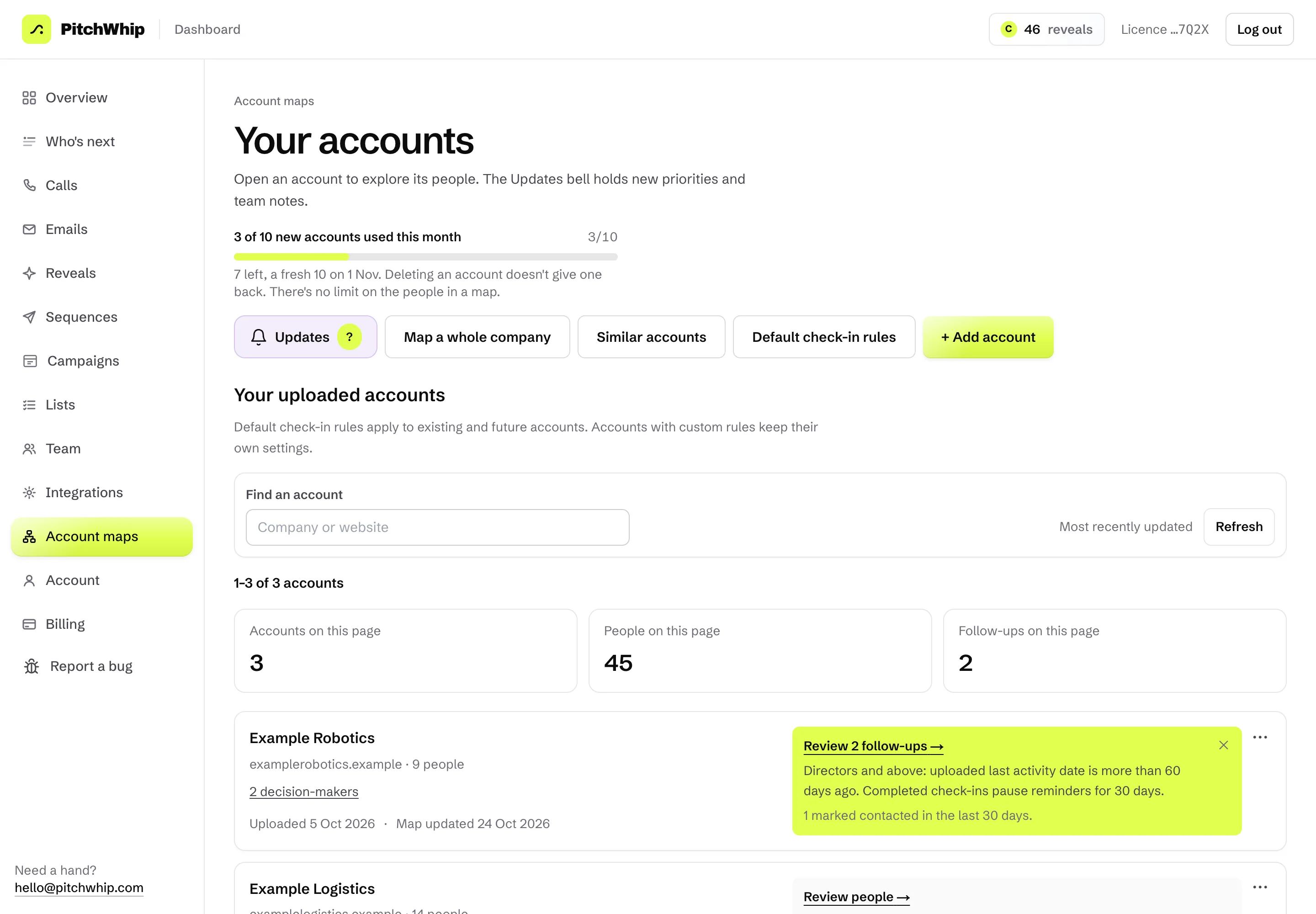
Real PitchWhip screens. The people, companies, numbers and emails in them are invented.
See who reports to whom, with decision-makers marked. Drag a card to fix the chart, or add a person yourself.
Type a company name or website and PitchWhip finds the people: managers and up by default, or a country, a department or every level. It has its own monthly allowance of people, shown on its page.
Add account uploads a list of people at a company, and builds the map from it.
Find lookalike accounts from the companies you already work.
A summary of the account you can share.
Reveal numbers or emails for people on the map. Each found number or email uses a reveal from your plan.
Account maps is added to a Pro licence. Start free, then choose Pro on the pricing page.
Your billing owner opens Dashboard, then Billing, and adds Account maps. The first charge is shown before you pay.
Account maps appears under More tools in the dashboard, for everyone on the account.
Free to install in desktop Chrome. Free scripts with a work email.