PitchWhip features
From first prospect to follow-up.
Find the right people, know what to say, make the call and follow up, all in one place.
Feature availability depends on your plan and account setup.
How it works
Three steps, one tab.
Step 1: Open a LinkedIn profile
PitchWhip reads the page you’re on.
Step 2: Get the script and their number
A brief, an opener and a direct dial.
Step 3: Call, then log it
Help on screen, outcome in one tap.
01 · Prepare the call
Know what to say before you dial.
Prospect briefs and fit checks
- Check the evidence behind a brief before you use it, and edit any line to sound like you.
Why now, the best angle and a fit check, beside the profile.
The prospect panel

02 · Find and reach them
New people, with a reason to call.
Daily prospect discovery
- One daily web search per paid seat, shared by the dashboard and extension. It never searches LinkedIn.
Up to 10 new people a day, each with a quoted source for their role.
Open Who’s nextDirect dials and work emails
- Phone numbers and emails use reveal credits. Coverage varies by person.
Reveal them from the profile you have open, or in bulk from a list.
How contact lookups work

03 · Talk
Call with help on screen.
Calling through PitchWhip
- Calling is for eligible paid accounts after setup. Minutes are sold separately.
- Dashboard calling needs extension 13.5 or later, then a confirm in the extension.
- After buying minutes, choose one PitchWhip number per active seat, subject to business and network checks and availability.
Call from the extension with your script on screen, using minutes bought separately.
Calling minutes and setupLive assistance and call review
- Recording stays off until your account admin opts in. Recordings are kept 90 days by default.
Optional suggested replies while you talk; recordings and coaching themes from your calls after.
Recording and call reviewOutcomes, notes and callbacks
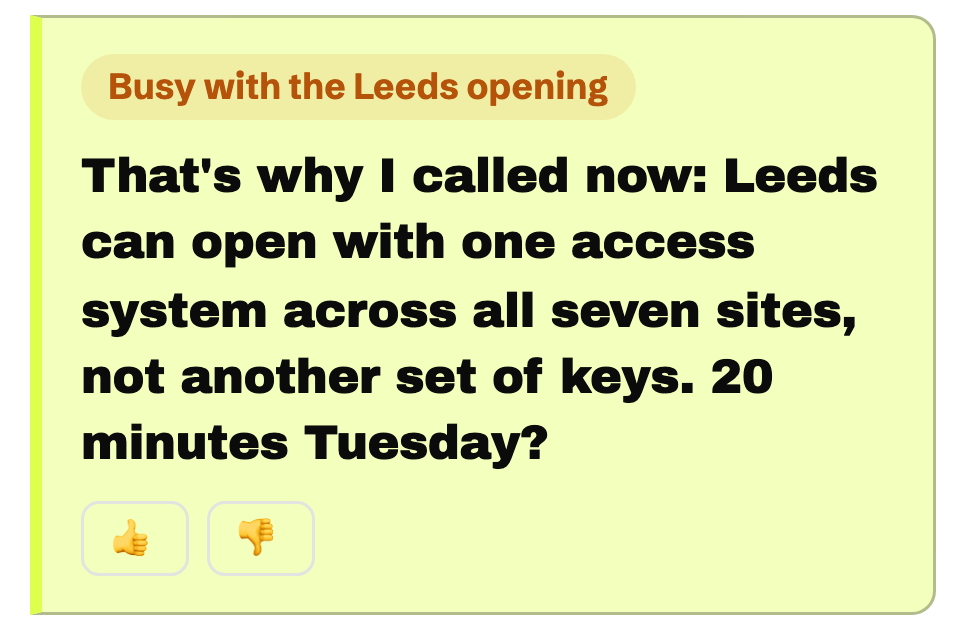
Log the outcome and set a callback; Who’s next queues it for you.
The daily workflow
04 · Follow up
Keep every next step moving.
Email follow-up and sequences
- Email steps can send automatically. Call and LinkedIn steps wait in your queue.
Timed email, call and LinkedIn steps in one sequence.
Explore sequencesMailboxes and campaign domains
- Mailboxes suit eligible relationships; campaign domains suit cold outreach.
- Sending limits and pacing apply. Unsubscribes and do-not-email lists are respected.
Send from your own mailbox or a verified campaign domain.
Sending options

05 · Run the team
One dashboard for the whole team.
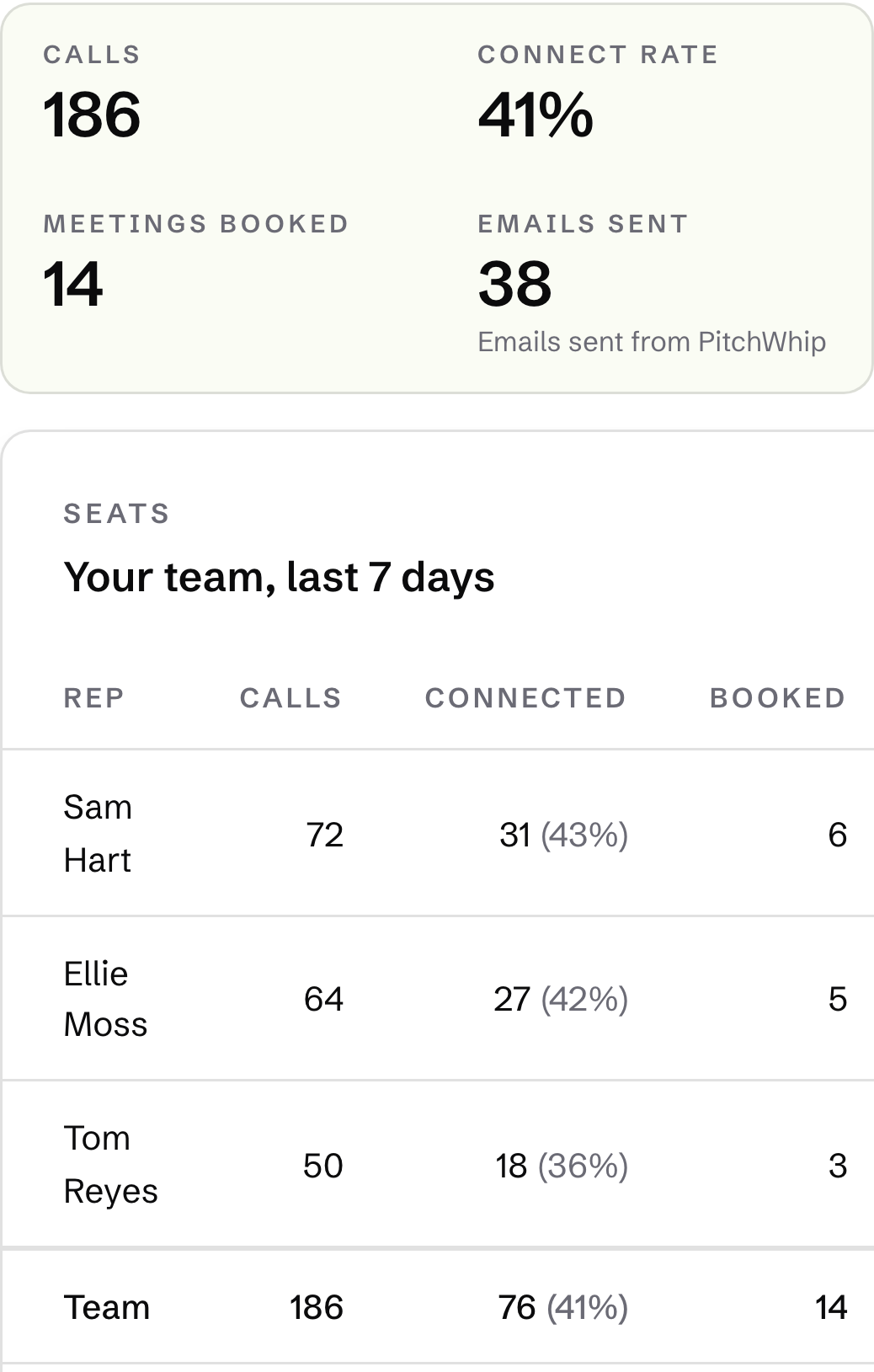
Team seats and a shared dashboard
- Visibility follows account roles. Private call notes and transcripts stay out of the shared call log.
Manage seats, pitch profiles and shared work in one place.
PitchWhip for teamsCRM and workflow integrations
- Check what each connection sends.
Send contacts and call activity to the tools your team uses.
See all integrations
 Google Sheets
 Google Sheets
06 · Research
Research UK companies, owners and investors.
UK company and owner research
- Included in every paid plan at no extra cost. Search limits apply.
- UK coverage today, with other countries planned.
- Paid accounts can add up to 10 extra people to a daily prospect search, with a separate Companies House allowance.
Search by sector, area, age and size, then see directors and majority owners.
Explore Find companiesResearch UK businesses to acquire
- UK coverage today, with other countries planned.
- Register records do not show who founded a company or whether its owners want to sell.
Shortlist companies by sector, place, ownership and history.
Explore Find companiesInvestor research for founders
- UK coverage today, with other countries planned.
- Private individual investors are counted, never named. A past investment does not mean an organisation is investing now, or in you.
See which investor organisations backed UK companies in your sector.
Explore Find investors
