Sequences: emails, LinkedIn steps and calls
Build a follow-up plan of emails, LinkedIn steps and calls, add people, and let PitchWhip keep it moving.
Sequences are part of a paid plan. Emails need a connected mailbox or a verified campaign domain.
Step 1: Open Sequences
In the dashboard, open Sequences. Each sequence shows its active people, who is waiting on a rep, emails sent, replies and bounces.
Calls and LinkedIn steps wait in the extension for the rep they belong to: Open my extension queue takes you there.
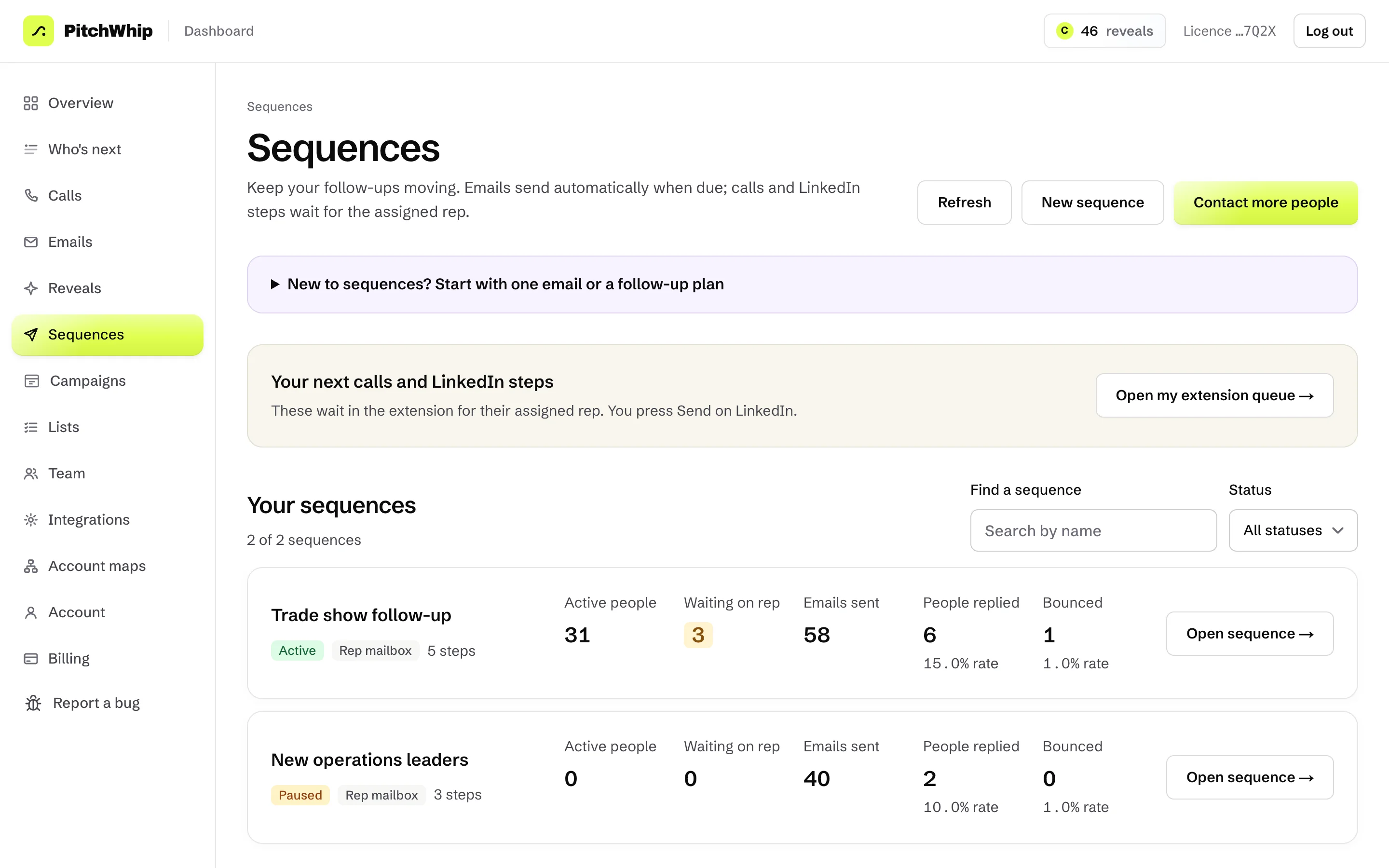
Sequences: your sequences with their numbers, and your next calls and LinkedIn steps. Click the picture to see it full size. Step 2: Build the steps
Press New sequence and give it a Sequence name. Under Sends from, choose Each rep's own mailbox or Your campaign domain.
Press + Add step to add an email, a LinkedIn connection request, a LinkedIn message or a call, with a wait between each. Or start from a ready-made plan such as Email + LinkedIn + call. Emails only leave on the days and hours set under Sending schedules in Integrations.
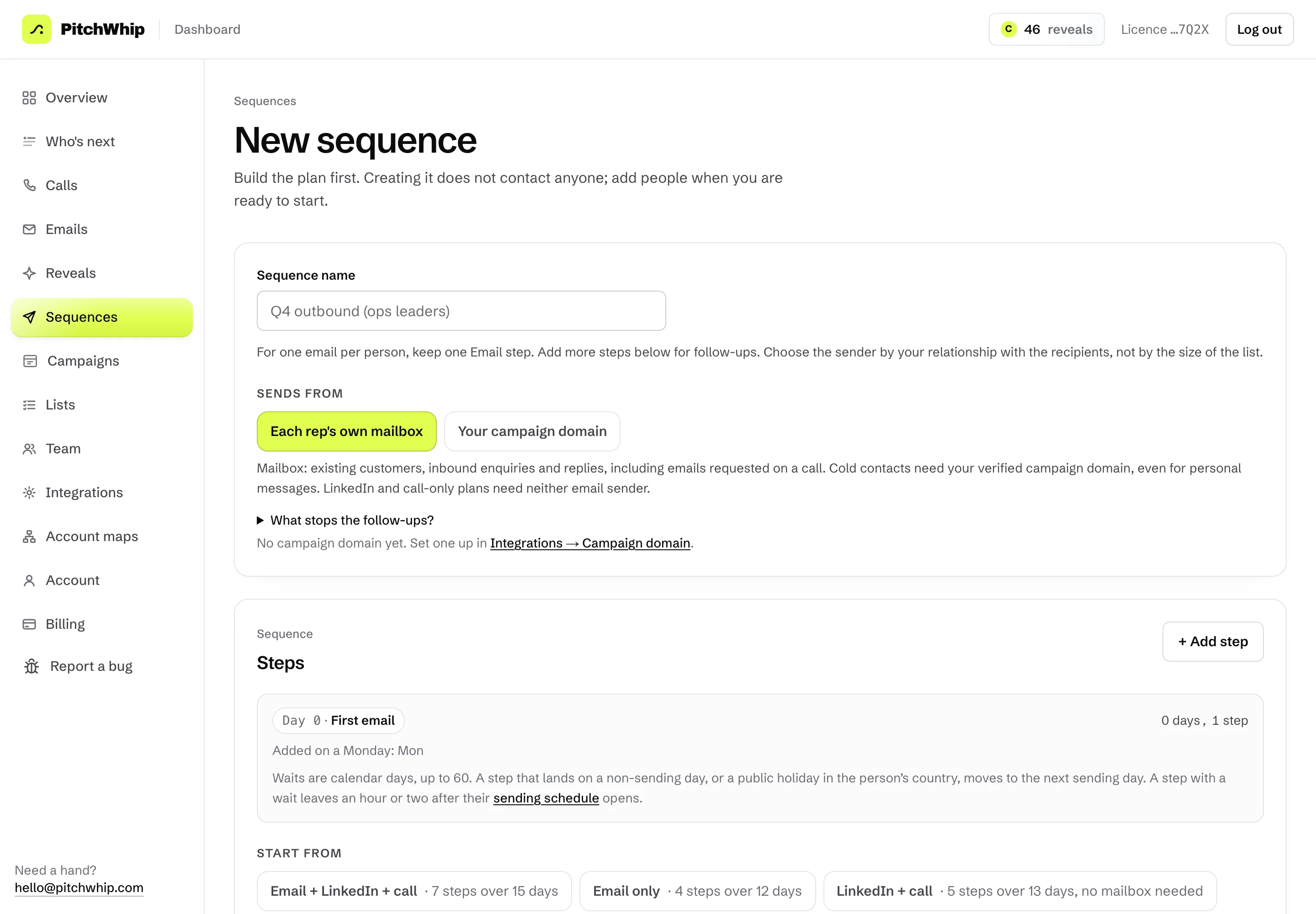
New sequence: the name, who it sends from and the steps. Click the picture to see it full size. Step 3: Add people and let it run
Press Contact more people (or add a list's people from Lists) to put people into the sequence. Each person moves through the steps on their own. Building a sequence contacts nobody until you add people.
LinkedIn and call steps never happen by themselves: they wait in the extension for the rep, and you press Send on LinkedIn yourself.
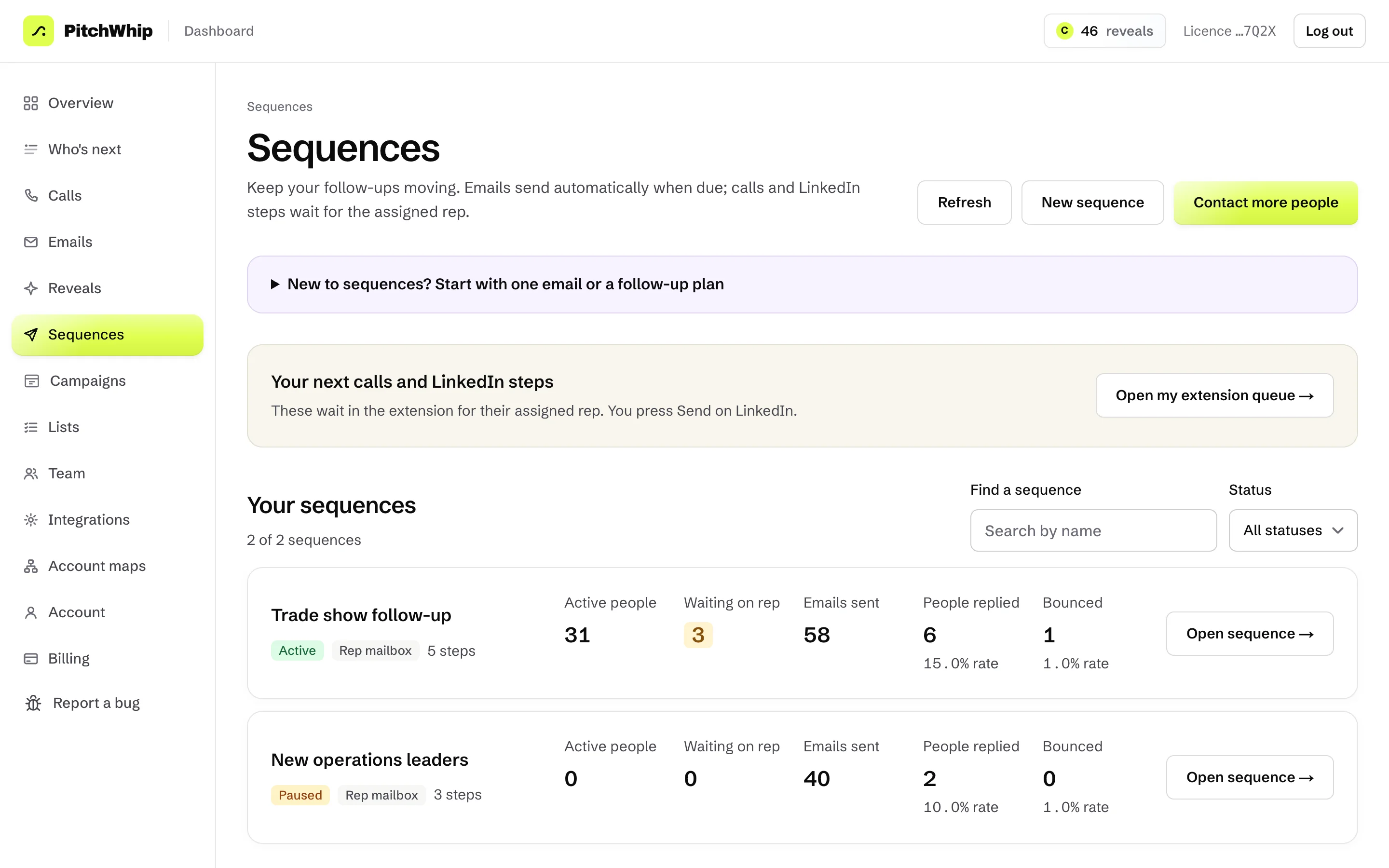
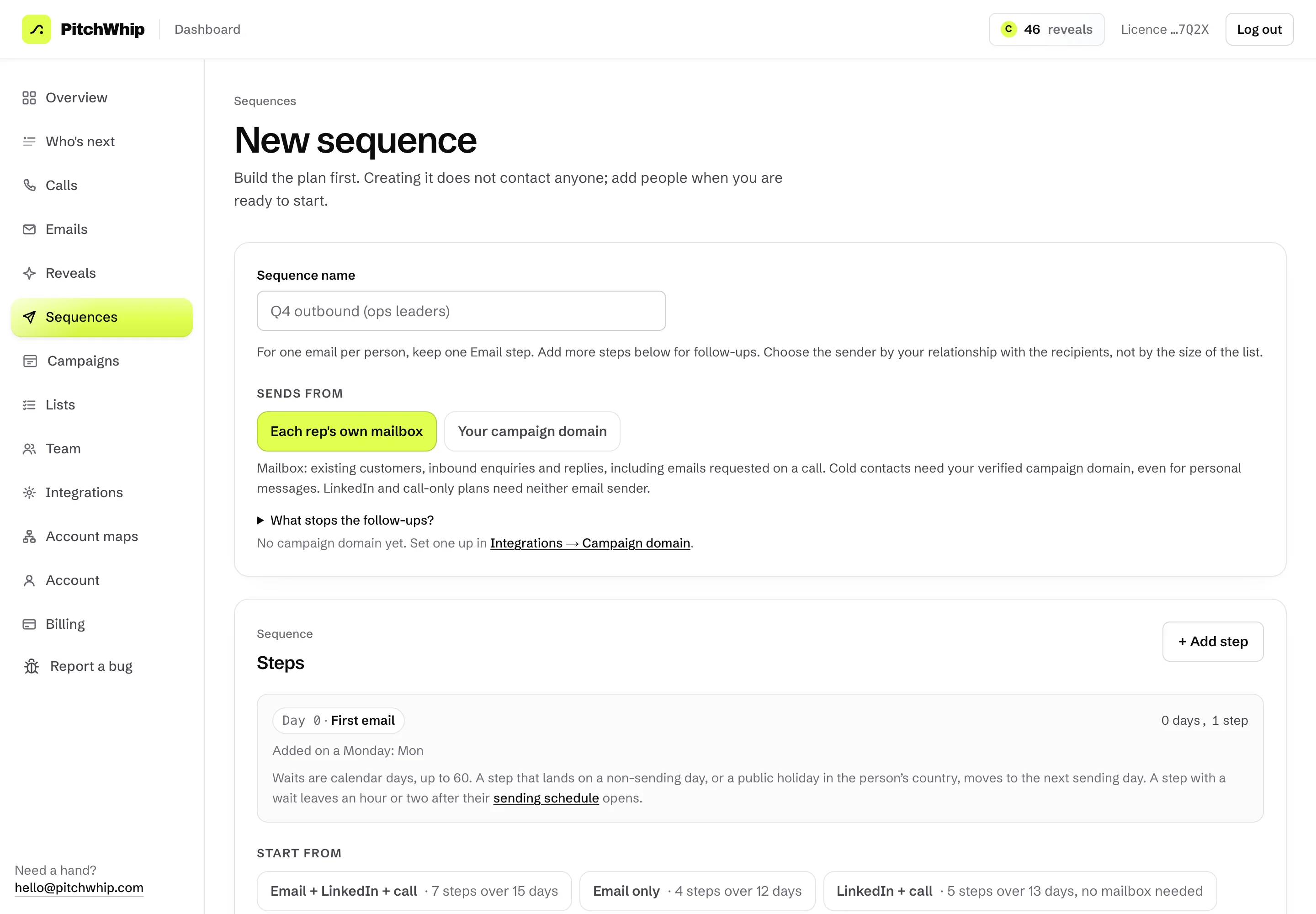
Your sequences, ready to add people to. Click the picture to see it full size.
Common problems
- Emails aren't sending.
- Check Integrations: your mailbox or campaign domain must be connected and verified, and emails wait for the sending window you set.
- Where are my LinkedIn steps?
- In the extension, in Who's next, for the rep the sequence assigns them to.
- Can I send cold emails from my own mailbox?
- Cold contacts need a verified campaign domain, even for a short personal email. Your mailbox is for people who already know you.
Still stuck? The full guide covers every setting, or write to hello@pitchwhip.com and a person replies within a working day.