Reveal a phone number or email
One reveal is one phone number or one email, used only when something is found. Bad numbers go back on your balance.
Free accounts include 1 phone number and 1 email. Paid plans include 50 reveals a month, and top-up packs never expire.
Step 1: Press Reveal phone or Reveal email
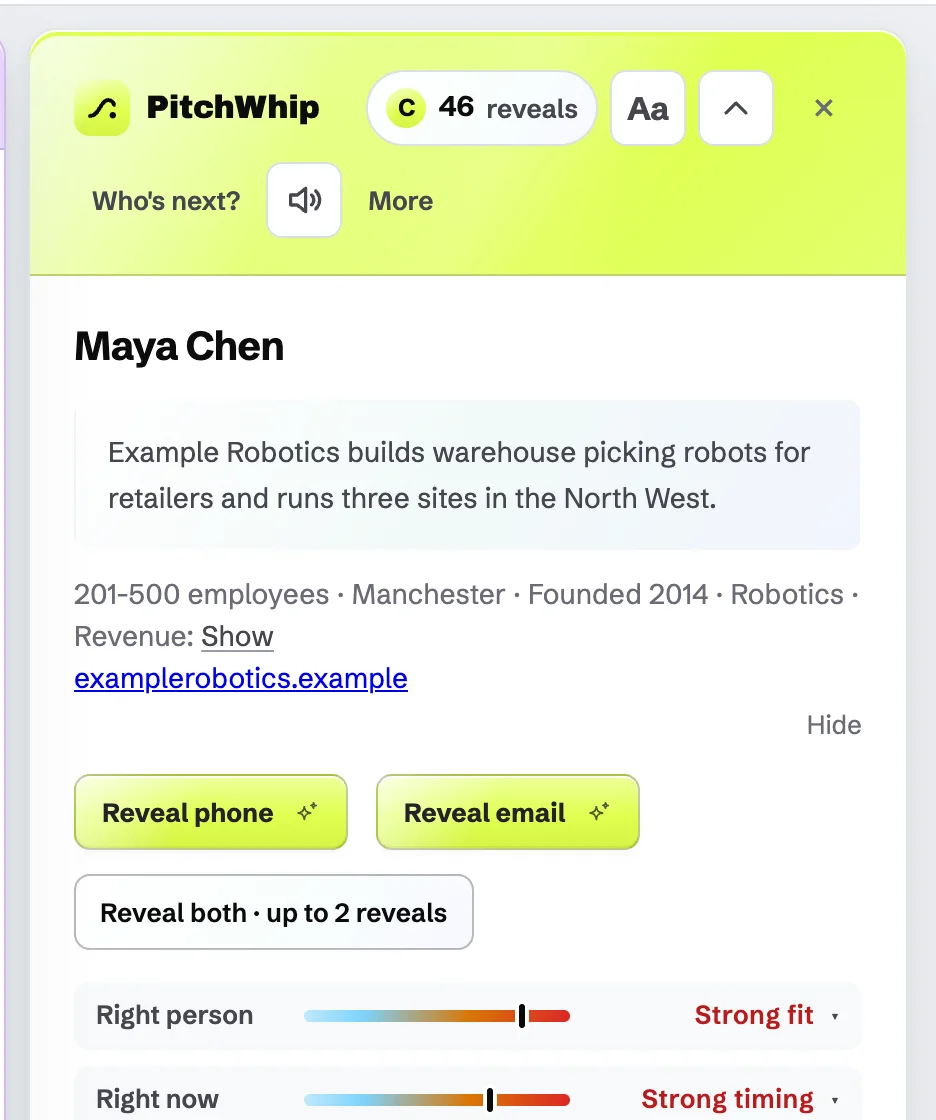
In the panel, press Reveal phone or Reveal email, or Reveal both for up to 2 reveals. The lookup checks several contact-data providers and usually answers in seconds; a slow one keeps looking for a few minutes.
One reveal is one phone number or one email. A reveal is only used when something is found, so "No phone found" costs nothing. Revealing the same person again is free.
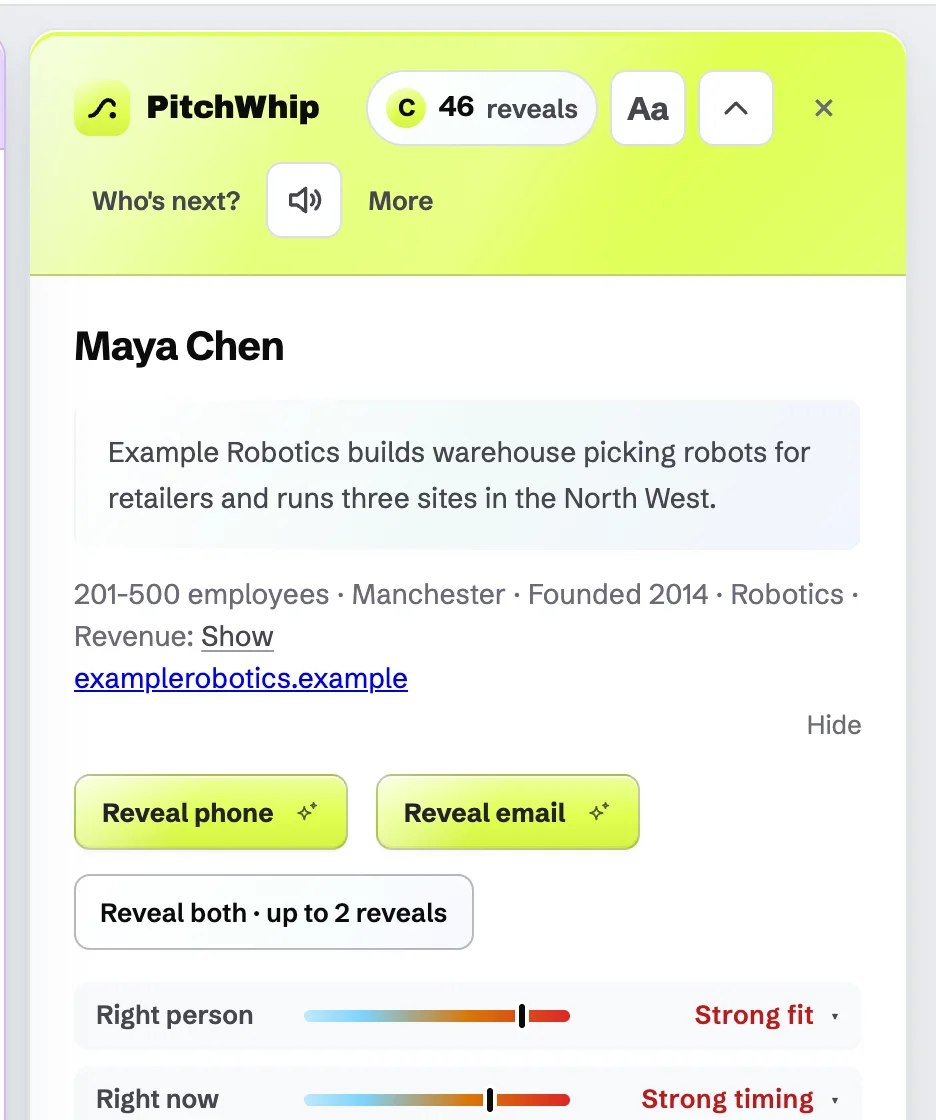
Reveal phone, Reveal email and Reveal both, above the brief. Click the picture to see it full size. Step 2: Use what you found
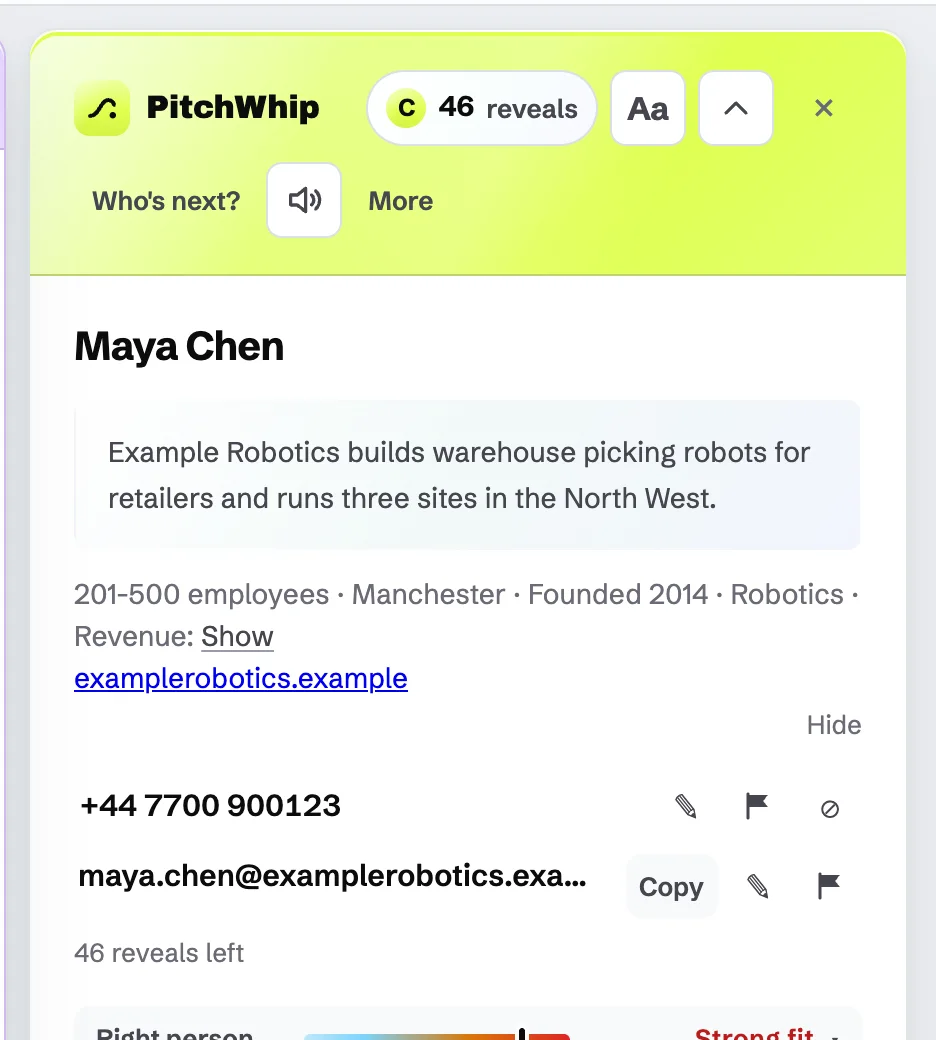
The number and email appear in the panel with a Copy button. Clicking a revealed number offers Call, Loudspeaker and Copy (see the calling guide).
Revealed contacts are also listed in the dashboard under Reveals, and go to your CRM if you have connected one.
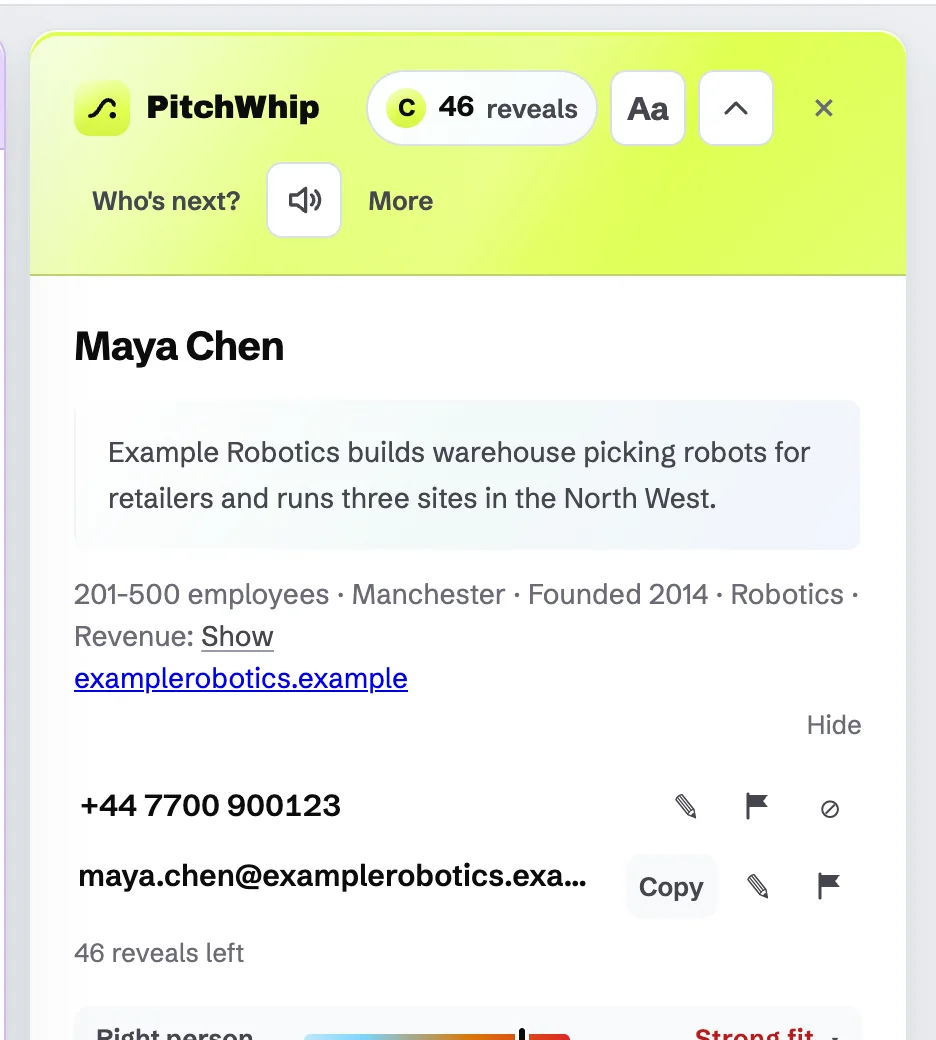
A revealed number and email, each with Copy, edit and the flag. Click the picture to see it full size. Step 3: Report a bad number or email
If a found number is dead or belongs to someone else, or an email bounces, press the ✎ beside it ("Wrong or changed? Edit it, or report it") or the ⚑ flag within 30 days of the reveal. A person checks it and the reveal goes back on your balance. The exact promise is in our Terms.
If the person asked not to be called, press ⊘ to add them to your team's do-not-call list.
The edit, flag and do-not-call buttons beside a revealed number. Click the picture to see it full size. Step 4: Check your balance
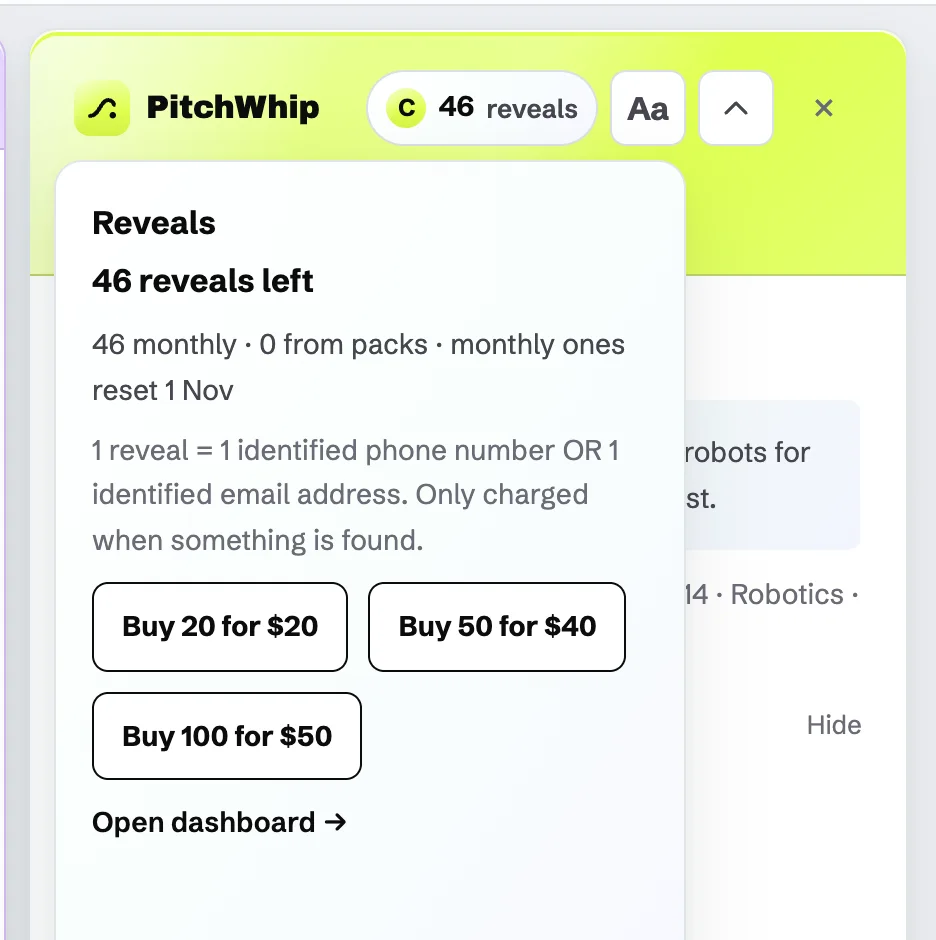
The coin in the panel header shows how many reveals you have left. Click it to see this month's reveals, when they reset, and the top-up packs.
Monthly reveals are used first and reset on the 1st (UK time). Pack reveals never expire.
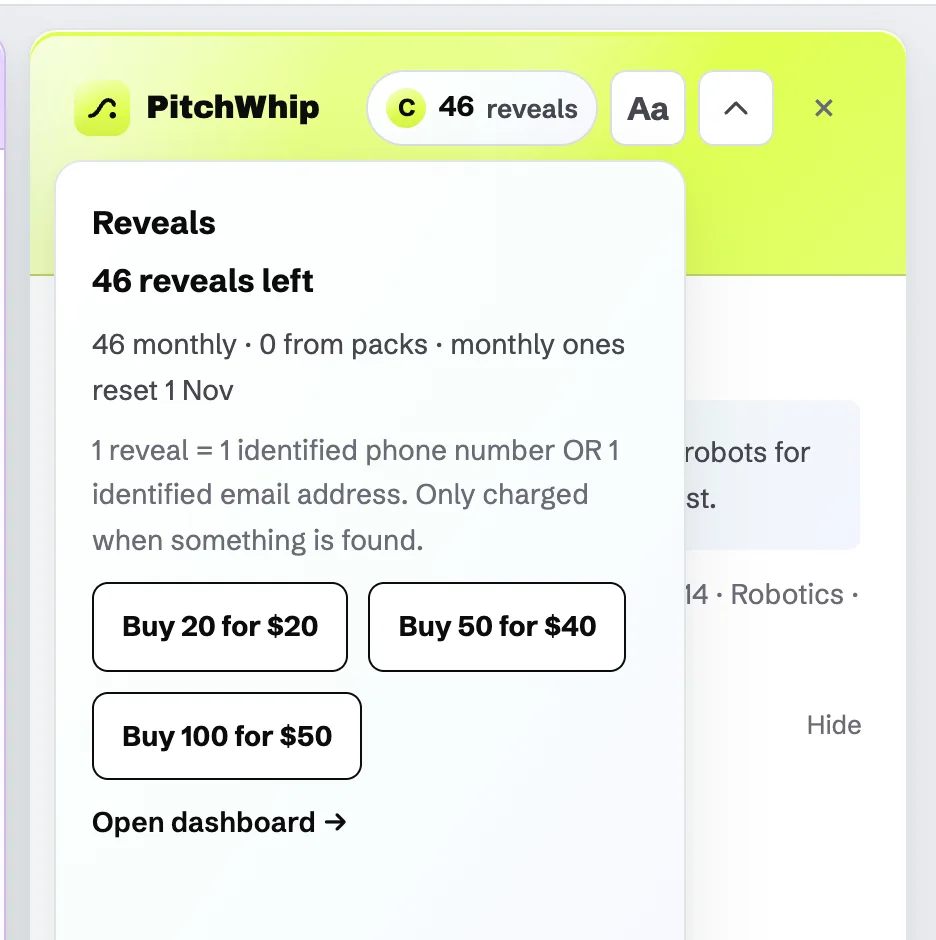
The reveals balance: reveals left, when they reset and the top-up packs. Click the picture to see it full size.
Common problems
- It found nothing.
- Then nothing was used. Not everyone has a findable number; try Reveal email, or look for them on a company page.
- The Reveal buttons are locked.
- On a free account, your 1 phone number and 1 email are used. Paid plans include 50 reveals a month.
- I bought a pack but my balance hasn't changed.
- Packs land within about a minute of checkout. Click the coin to refresh it.
Still stuck? The full guide covers every setting, or write to hello@pitchwhip.com and a person replies within a working day.