Create your free account, or sign in
Make a free account with your work email, or sign in with your email, password or licence key.
Free with a work email: 3 scripts a day, plus 1 phone number and 1 email reveal. No card needed.
Step 1: Create your free account
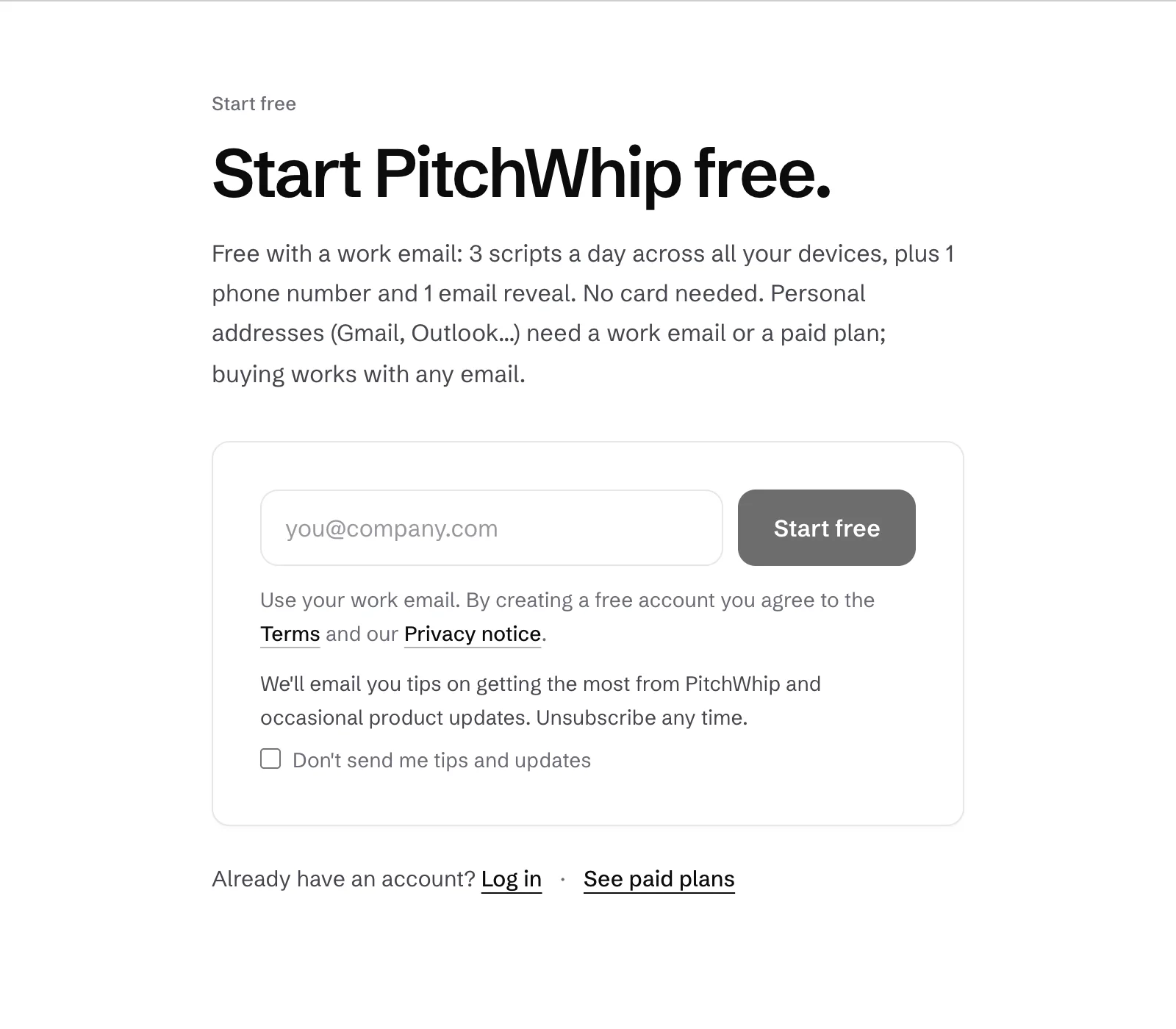
Go to pitchwhip.com/signup, type your work email and press Start free. We email you a 6-digit code; type it in, then add your name, company and country.
Personal addresses (Gmail, Outlook and so on) need a work email or a paid plan. Buying works with any email.
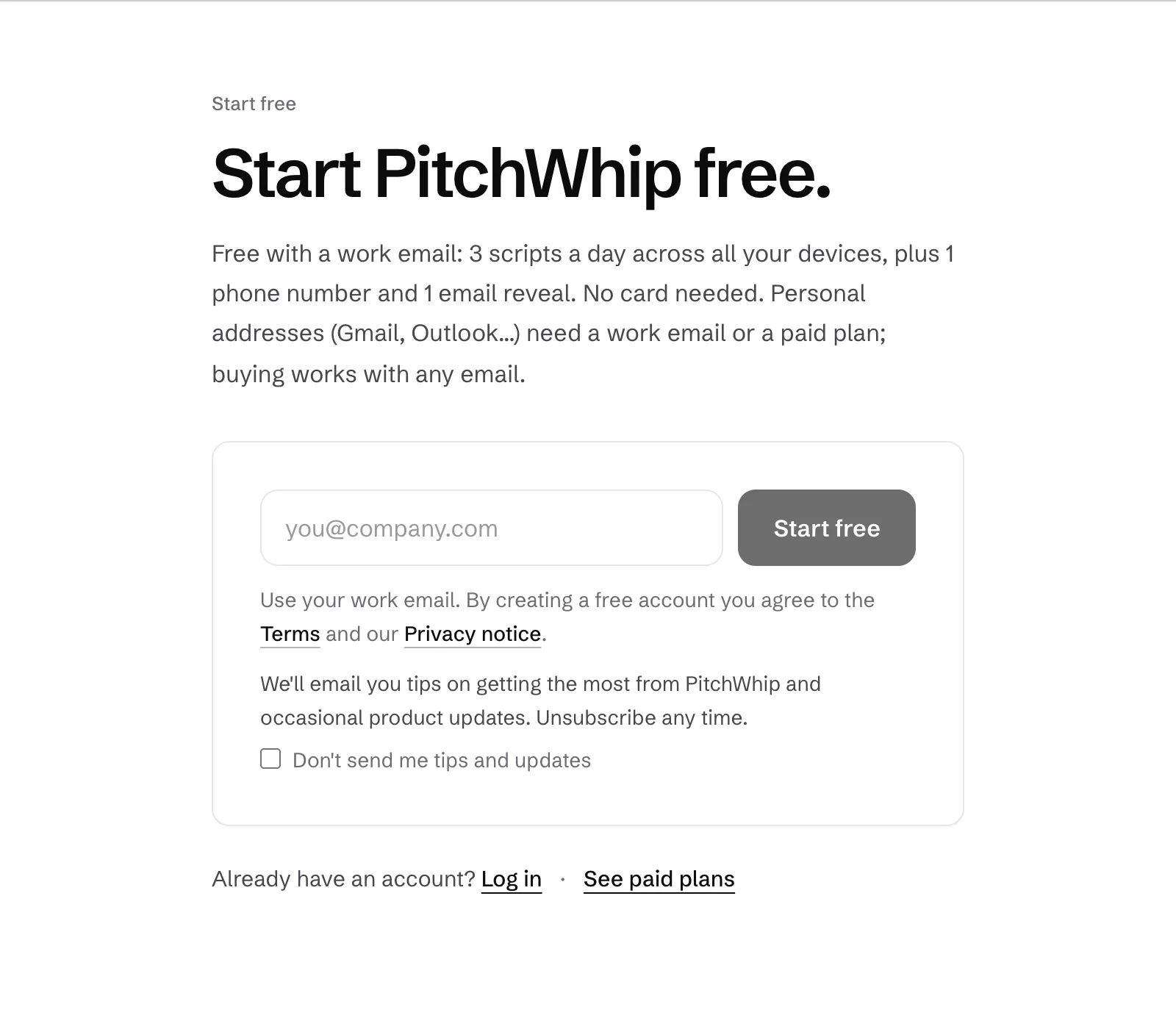
The sign-up page: your work email and Start free. Click the picture to see it full size. Step 2: Sign in to the extension
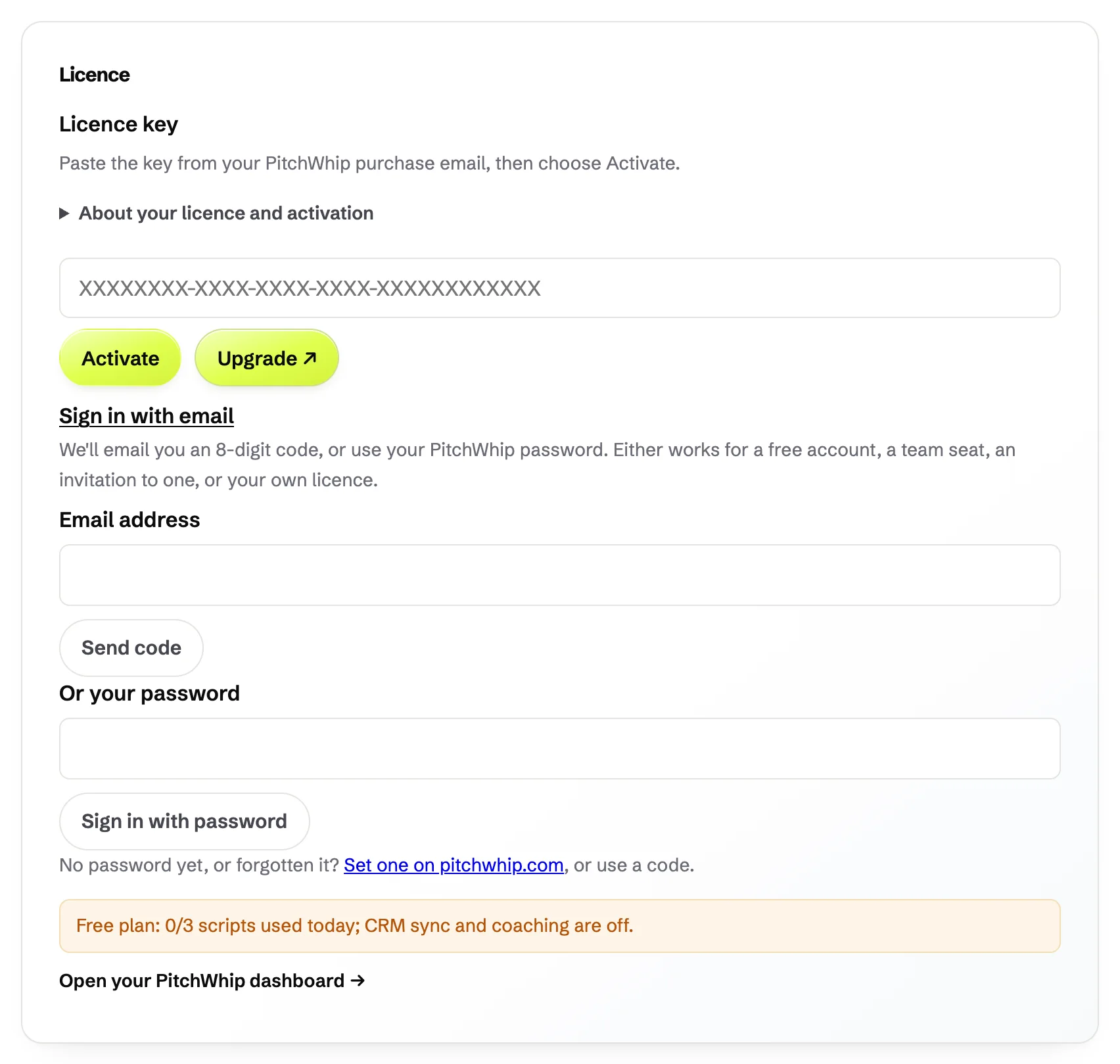
In PitchWhip's Settings, open the Licence tab and choose Sign in with email. Type the same email and press Send code, then type the 8-digit code we email you. If you have set a password, type it under Or your password and press Sign in with password instead.
Bought a licence? Paste the key from your purchase email into the Licence key box and press Activate.
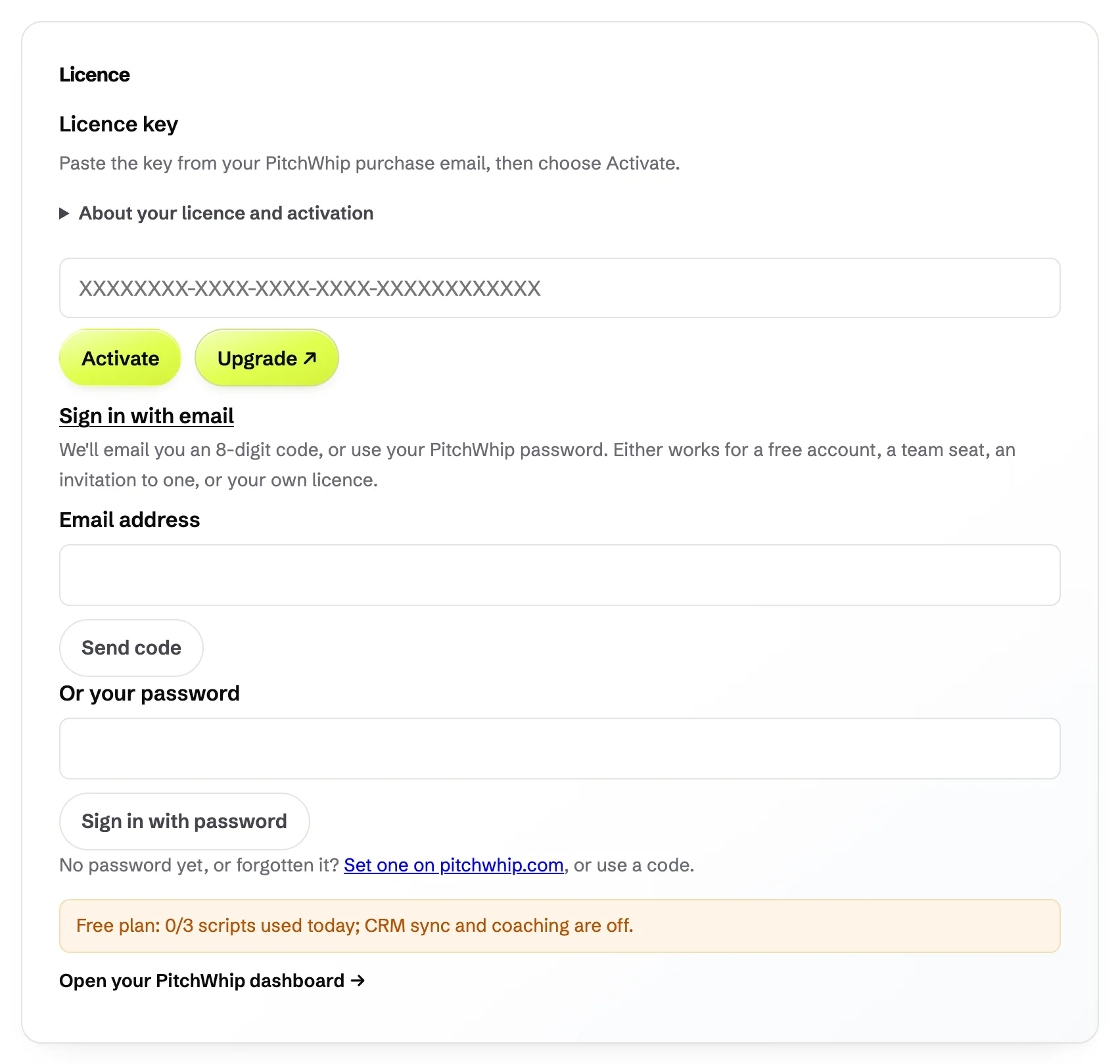
Settings, Licence tab: Sign in with email is open, with the licence key box above it. Click the picture to see it full size. What you should see: The Licence card shows your plan. On a free account it says how many scripts you have used today.
Step 3: Open your dashboard
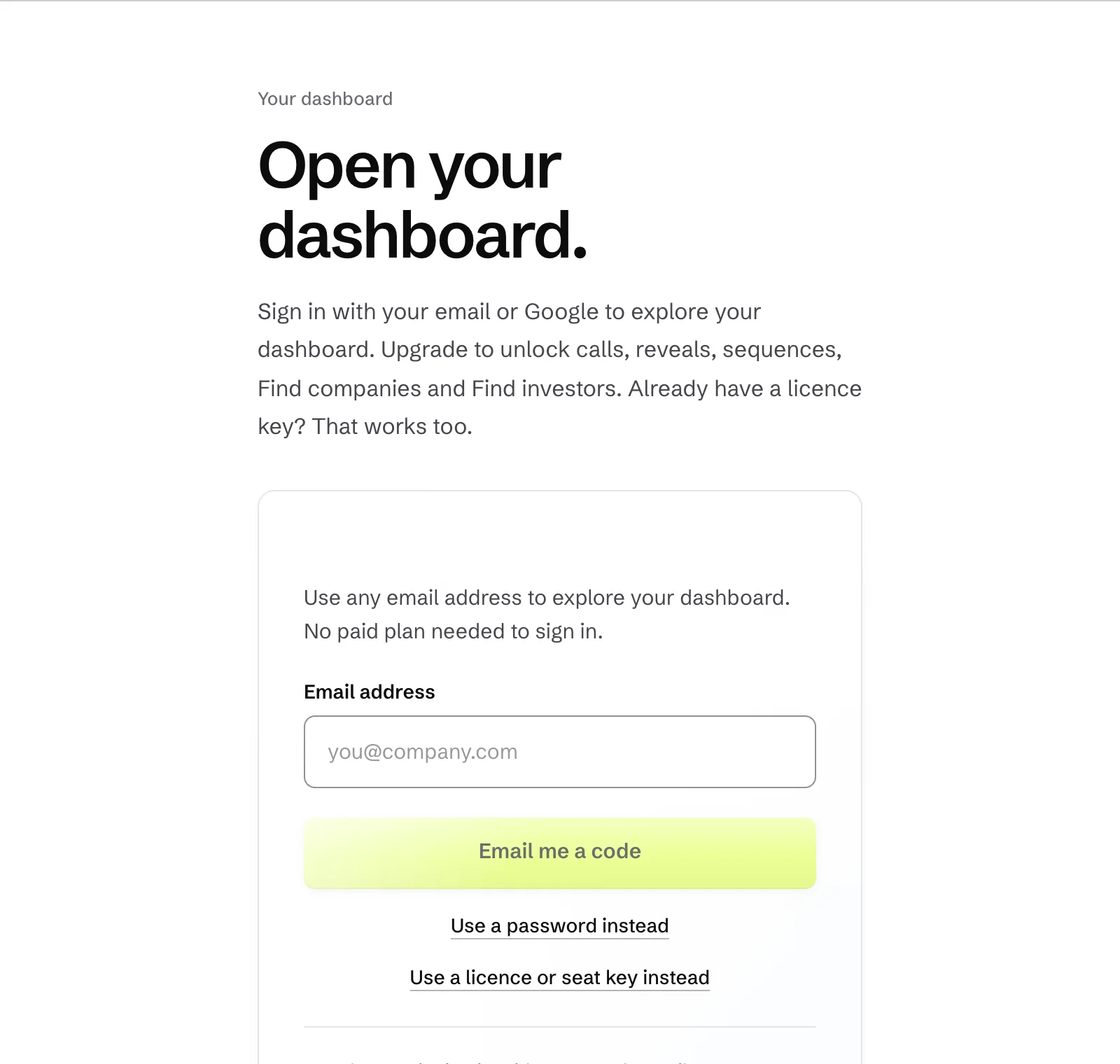
Your dashboard is at pitchwhip.com/app. Sign in with any email address and the code we send you, or choose Use a password instead or Use a licence or seat key instead.
In the extension, the Dashboard item (under More on a laptop-sized window) opens it too.
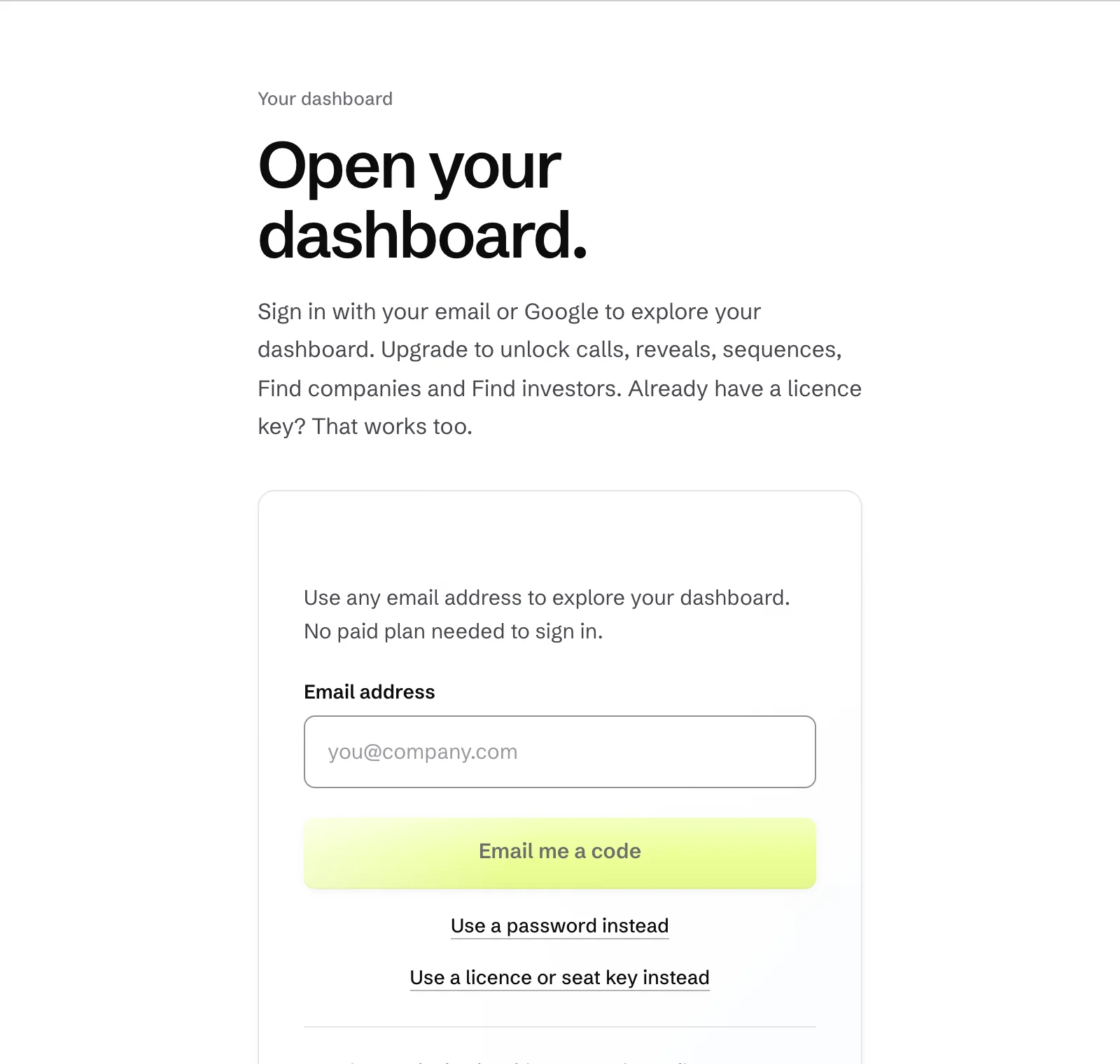
The log-in page: email code, password or licence key. Click the picture to see it full size.
Common problems
- The code never arrived.
- Check spam and any quarantine your company uses, then press Send code again. Codes expire, so use the newest one.
- It says my licence is on another computer.
- A licence works on one computer at a time. Press Deactivate in the extension on the old computer, or use Manage devices in the dashboard's Billing page.
- I signed up with Gmail and it was refused.
- Free accounts need a work email. Use your work address, or buy a plan, which works with any email.
Still stuck? The full guide covers every setting, or write to hello@pitchwhip.com and a person replies within a working day.